Administration
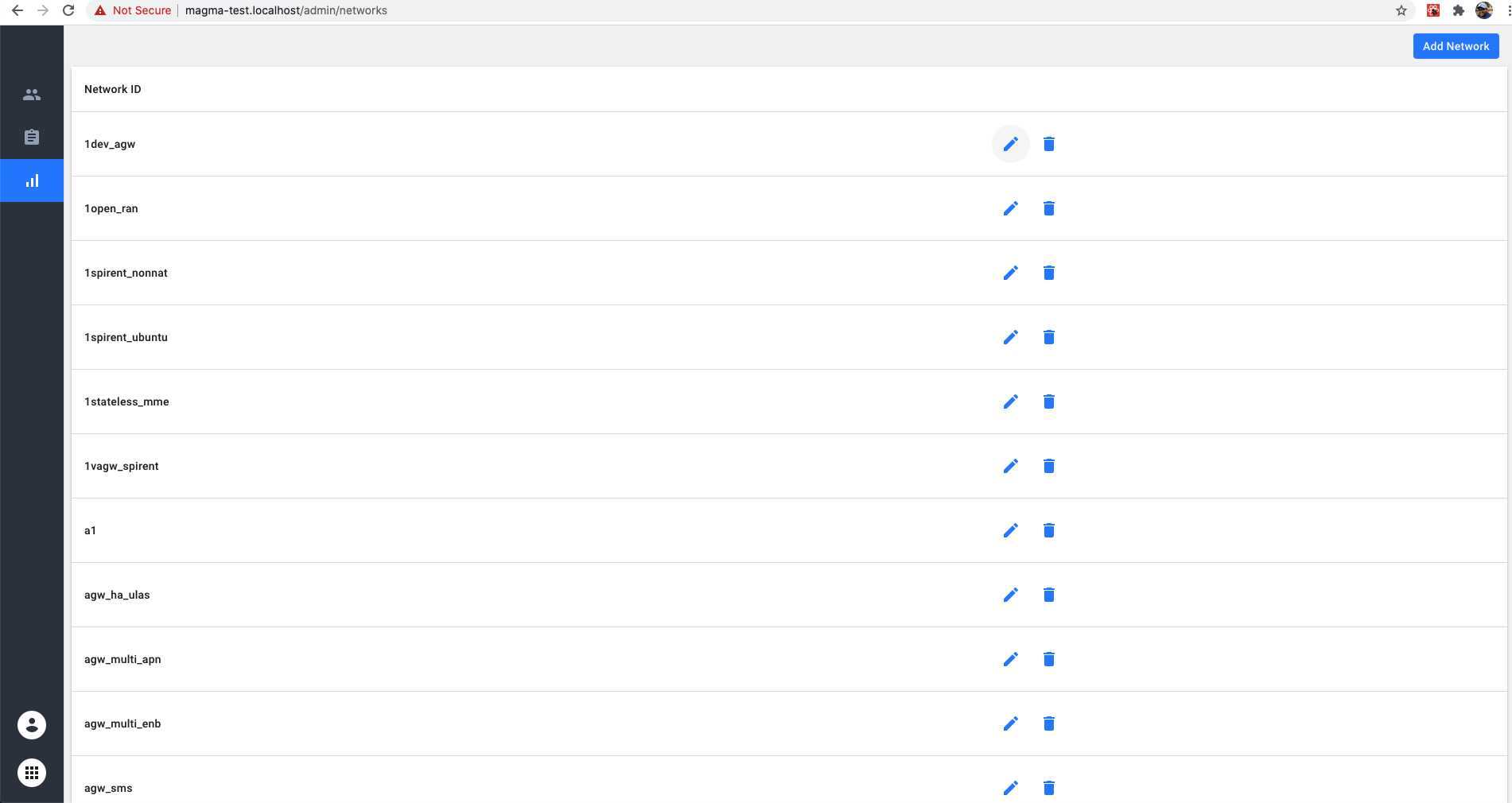
NMS provides an admin page to manage the NMS itself. Admin page currently has three main functionalities
- Manage Users
- Manage Networks
- View Audit Logs
Users
New users to NMS can be added or edited through the admin page.
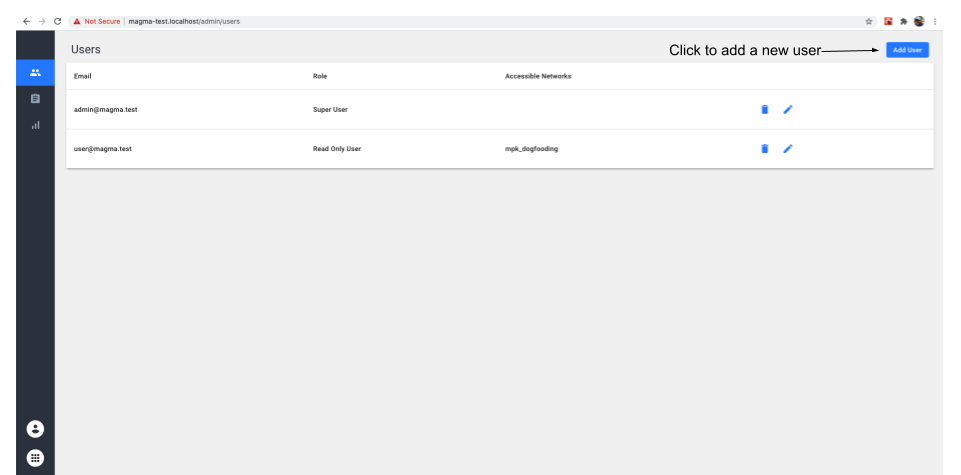
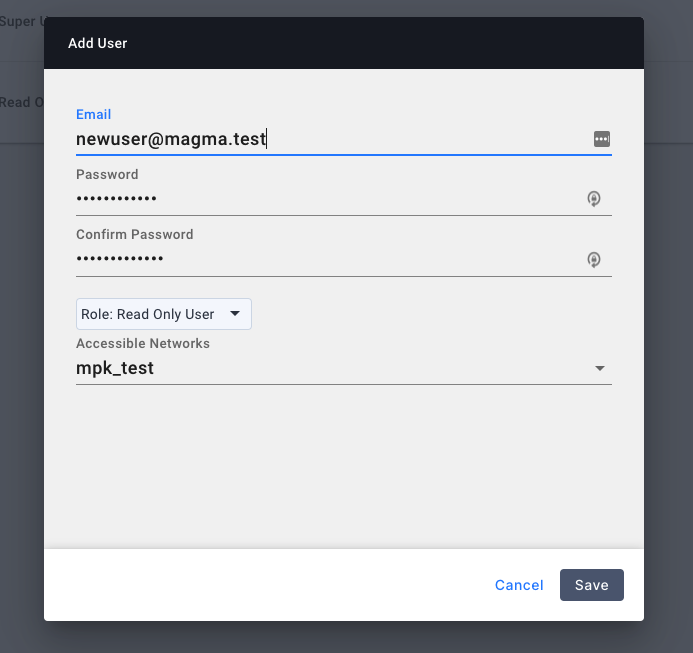
Users can be configured as either a superuser/user/readonly user. Super User will have capability to view all the metrics in the organization through Grafana. User will have the capability to view only the metrics for assigned network in the organization. Read Only user can only view the various components in NMS. They cannot make any edits to the underlying configuration.
Audit Logs
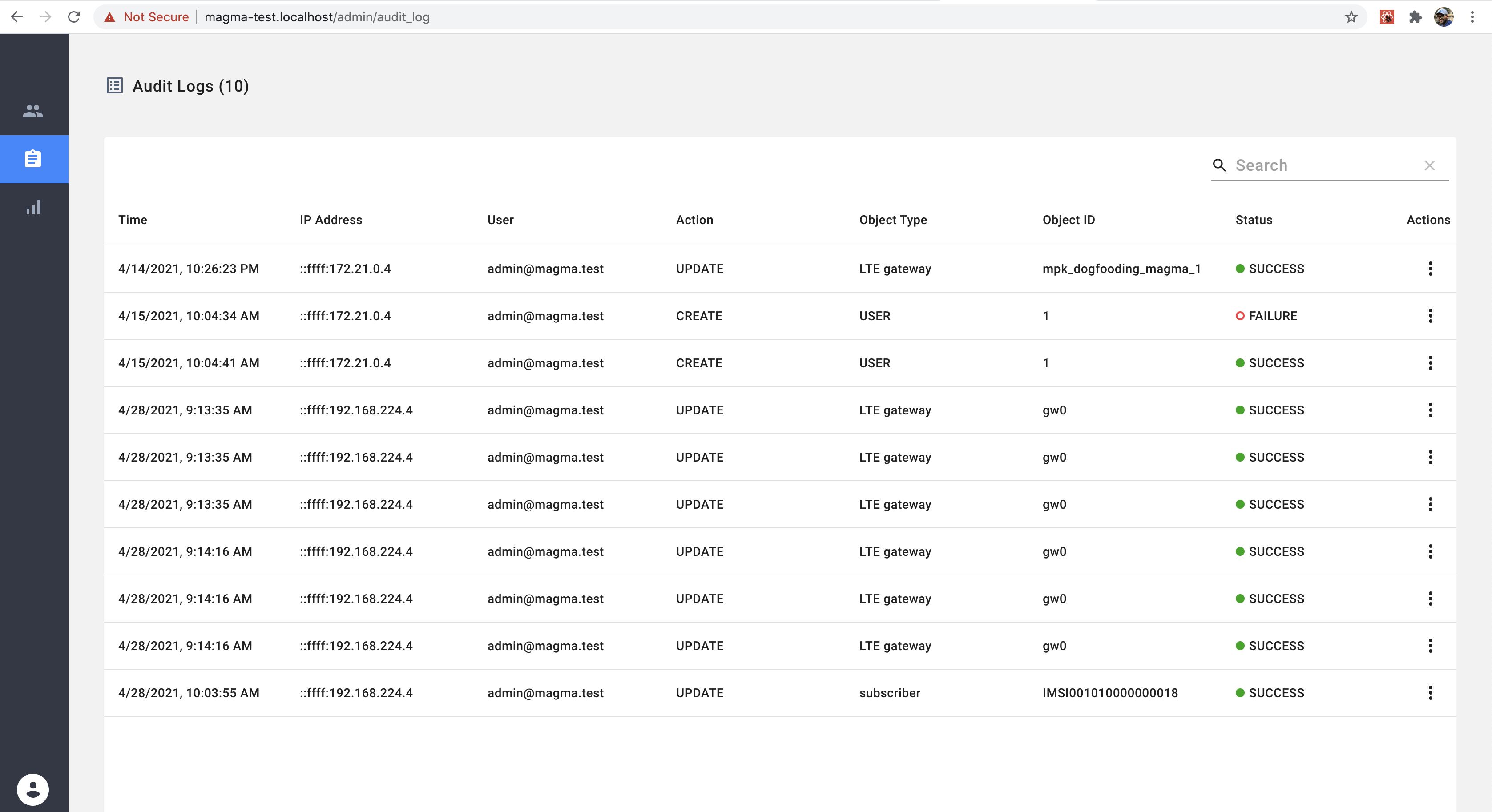
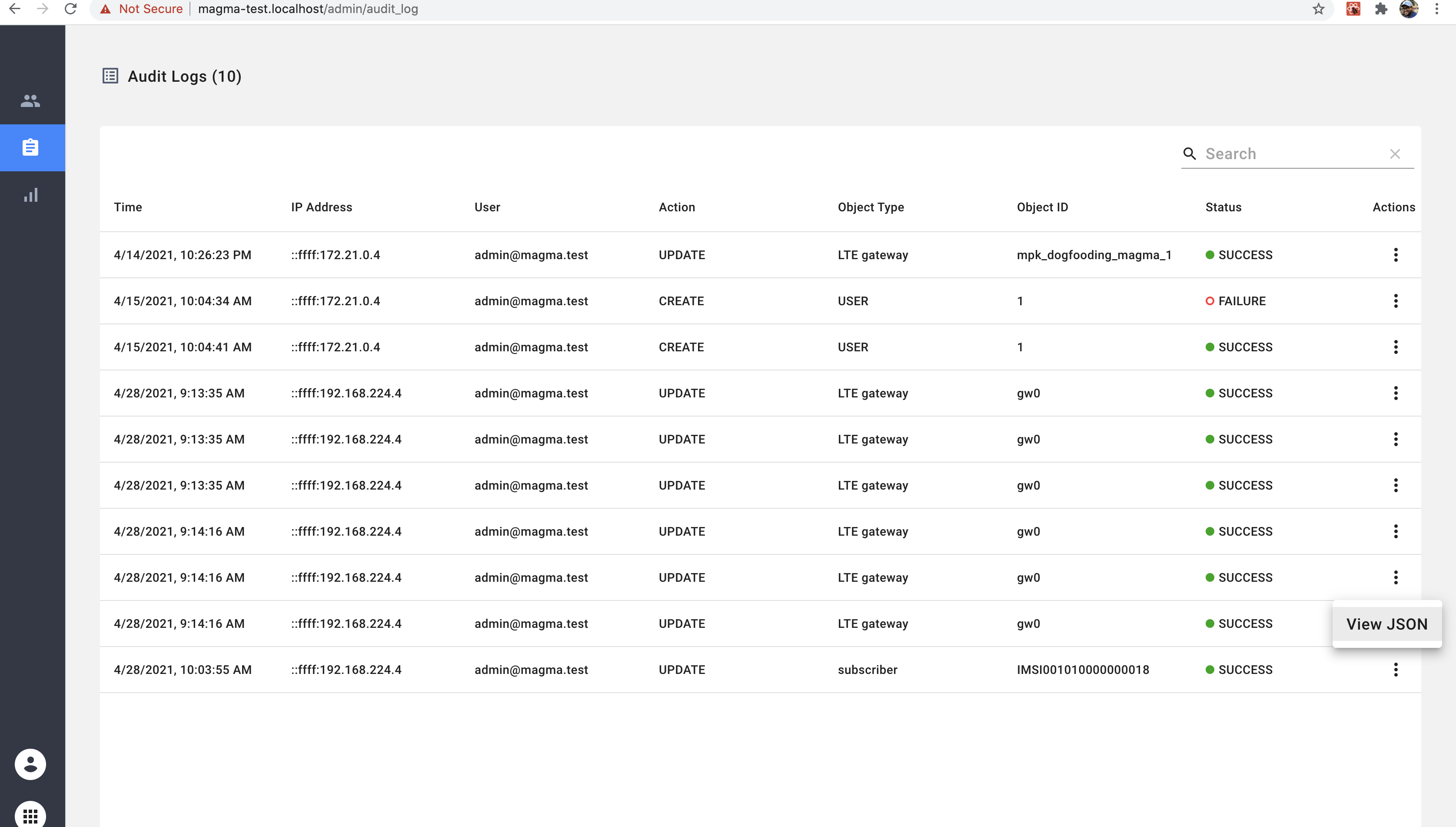
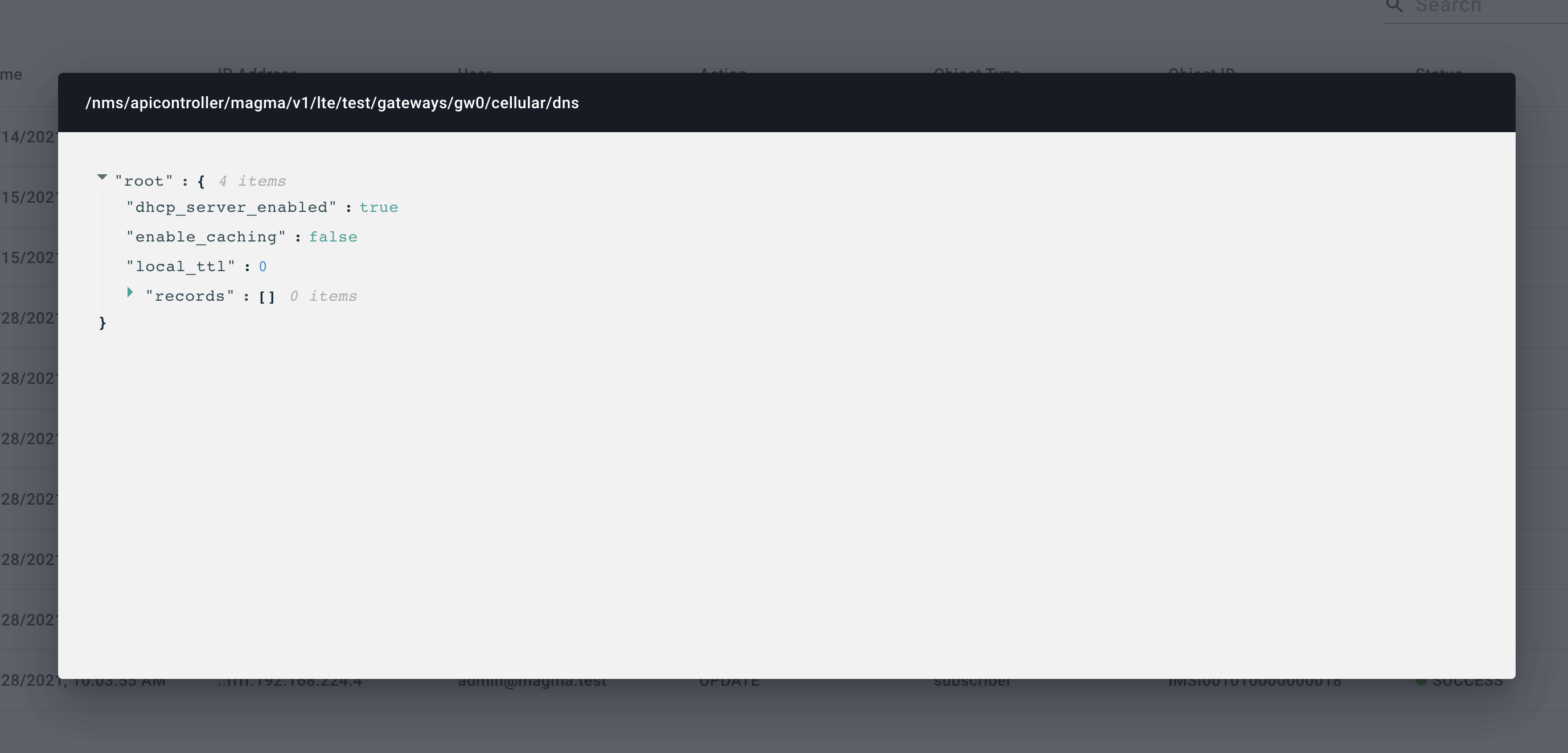
All configuration change made through NMS can be viewed through the audit log component. Audit log component comes with a convenient interface to search, sort and view the entire JSON payload of the configuration change.
Networks
Admin page also contains a network page to add any network to the given organization.