UE Usage Metering
Magma currently supports basic usage metering. This allows for real-time monitoring of data usage specified with the following labels:
IMSIsession_idtraffic direction
This feature is currently built to enable post-pay charging.
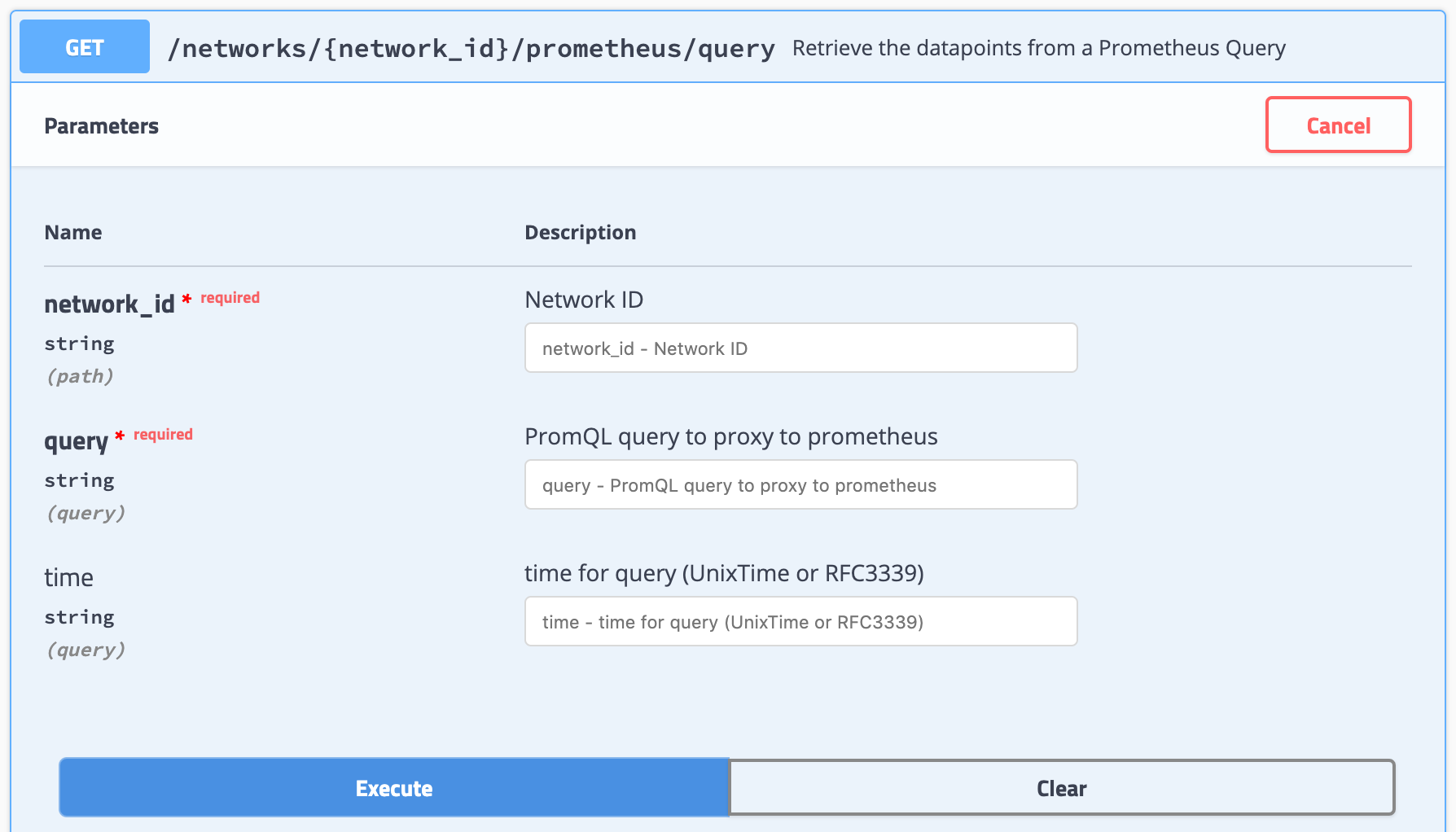
Metering information is available through our metrics REST endpoint.
The metric name used is ue_traffic.
Configuring Metering
As a pre-requisite, ensure you have the following:
- a functional orc8r
- a configured LTE network
- a configured LTE gateway with eNodeB
- subscribers that can attach to your LTE gateway
- network running in un-federated mode
In un-federated mode, the policydb service on the LTE gateway acts
as a lightweight PCRF, and federated support for metering is not currently
supported.
To enable metering for a single subscriber, the following steps need to be completed:
- A rating group configured with infinite, metered credit
- A policy rule configured with the above rating group
- Your policy rule assigned to the subscriber to be metered
If you do not have a NMS setup with integration to Magma's REST API, the
details below should help. If your orc8r is functional, you should be able to
manually access the Swagger API.
Configuring Rating Group
/networks/{network_id}/rating_groups
Configure with the following JSON as an example. Modify the ID as necessary.
{
  "id": 1,
  "limit_type": "INFINITE_METERED"
}
Configuring Policy Rule
/networks/{network_id}/policies/rules
Configure with the following JSON as an example. Here, the flow list is set
to allow all traffic. A high priority is also set to override other rules.
You may need to modify the rating_group to match the ID of the rating group
you configured earlier. Here you also have a chance to directly assign the
policy to the subscriber you wish to meter for.
{
  "app_name": "NO_APP_NAME",
  "app_service_type": "NO_SERVICE_TYPE",
  "assigned_subscribers": [],
  "flow_list": [
    {
      "action": "PERMIT",
      "match": {
        "direction": "UPLINK",
        "ip_proto": "IPPROTO_IP"
      }
    },
    {
      "action": "PERMIT",
      "match": {
        "direction": "DOWNLINK",
        "ip_proto": "IPPROTO_IP"
      }
    }
  ],
  "id": "metering_rule",
  "priority": 10,
  "qos": {
    "max_req_bw_dl": 0,
    "max_req_bw_ul": 0
  },
  "rating_group": 1,
  "tracking_type": "ONLY_OCS"
}
Assigning Policy to Subscriber
/lte/{network_id}/subscribers
/networks/{network_id}/policies/rules/{rule_id}
Two endpoints can be used for assigning the metering policy to a subscriber.
Set the assigned_subscribers field for a policy rule, or set the
active_policies field for a subscriber.
Verifying Metering
It may take up to a minute for the update configurations to propagate to
the LTE gateway, where they should be received and stored by policydb.
Check the metrics REST endpoint to verify that metering data is being recorded.
Debugging Metering
On subscriber attach, policydb will provide the metered policy to install for
the subscriber. By tailing these logs, it is possible to verify that the
configurations are being received.
journalctl -fu magma@policydb
pipelined is the service which is responsible for enforcement, by use of OVS.
By using the CLI tool, it is possible to verify that the policy rule is being
installed for the user. The policy id will be listed if installed, along with
tracked usage.
pipelined_cli.py debug display_flows
This command may need to be run as root.
sessiond is responsible for aggregating metrics and sending metering through
our metrics pipeline. To check the tracked metrics for metering, and the
sessiond service, run the following:
service303_cli.py metrics sessiond